
JS Capsules: Arrays
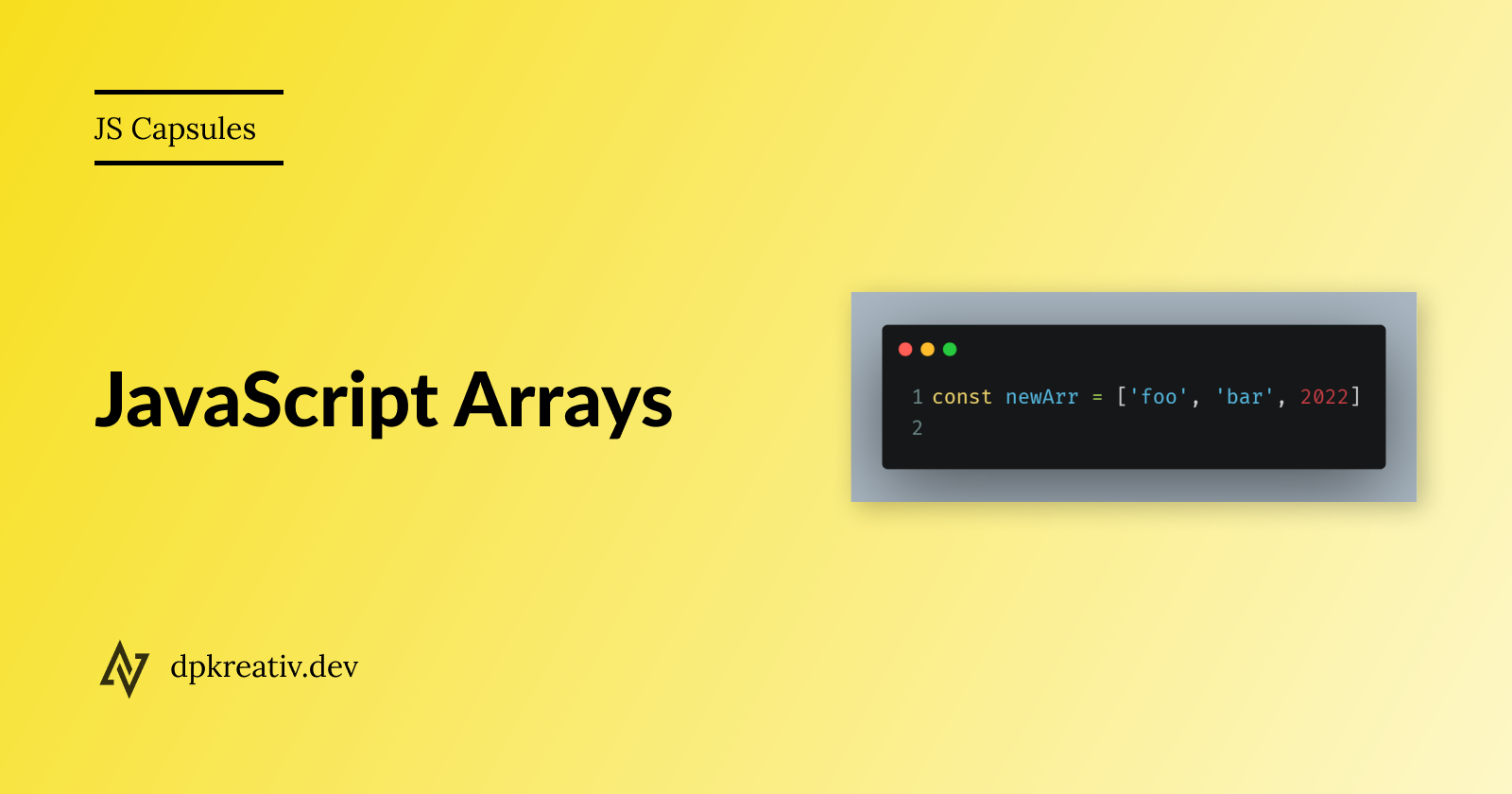
What's an Array?
An array is a data structure used to store a collection of elements in an ordered form.
let myArray = ["cheese", "milk", true, 8, "flamingo"];
An array can store elements of different data types - strings, numbers, booleans, objects, and even other arrays. The first element of an array always has an index 0.
To access specific elements in an array, you use bracket notation:
console.log(myArray[0]); // "cheese"
console.log(myArray[2]); // true
Forms of Array
The simplest form of an array is a linear array. It looks like this:
let linearArray = ["music", 13, "poetry", "prose", false, "edit"];
When an array contains other arrays, it is called a multi-dimensional array. It often looks like this:
let multiArray = ["bacon", ["nascar", "speed", 2], "water tank", false, 2];
A homogenous array contains elements of one data type:
let stringsArray = ["bed", "table", "phone", "laptop", "tv", "headset"];
A heterogenous array contains elements of different data types:
let mixedArray = [
    "Carl",
    {homeAddress: "40 Grove street", city: "San Andreas"},
    [40, true, "seven"],
    "clips",
    24,
    false
];
Common Array methods/properties
Array Methods
push(),
unshift(),
pop(),
shift(),
slice(),
splice(),
join(),
sort(),
map(),
includes(),
reduce(),
indexOf(),
forEach()
Array Properties
length,
prototype,
constructor
Further reading
Original Source
https://dpkreativ.hashnode.dev/js-capsules-arrays